

BuzyTeam For Linux
Streamline your workflows for Linux-based teams and track their active working hours, attendance and project progress from a centralised platform.

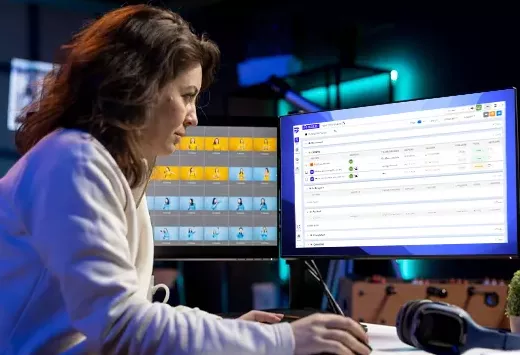
Seamlessly Manage Linux Teams with BuzyTeam
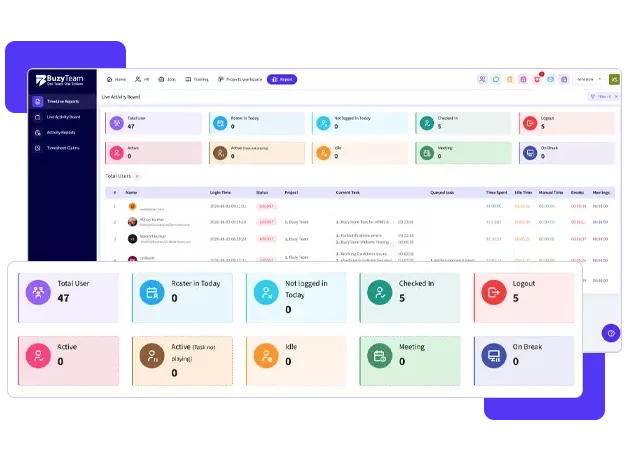
Download and run BuzyTeam seamlessly on Ubuntu LTS versions. Sync time, projects and teams’ productivity into a centralised dashboard for sheer visibility.
- Ubuntu 24.04 LTSNoble Numbat
- Ubuntu 22.04 LTSJammy Jellyfish
- Ubuntu 20.04 LTSFocal Fossa
How BuzyTeam Runs on Linux
Manage and monitor work hours, attendance, project progress and productivity insights in one system using the fully featured Linux app.
-
01
Install the BuzyTeam App
Download and install the BuzyTeam desktop app on your Linux operating system.
-
02
Secure Login
You can sign in by entering your credentials to sync projects and tasks.
-
03
Select Your Project/Task
Choose the project or assignment you are working on to start the timer.
-
04
Track Your Time
Work seamlessly while BuzyTeam silently tracks your active vs. inactive hours and activity patterns.
-
05
Sync to Centralised Dashboard
Automatically synchronising data to the manager’s dashboard for sheer visibility.
Designed for Smarter Teams that Run on Linux
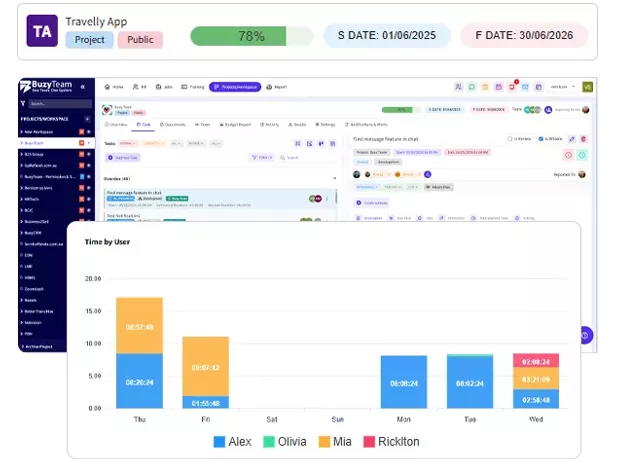
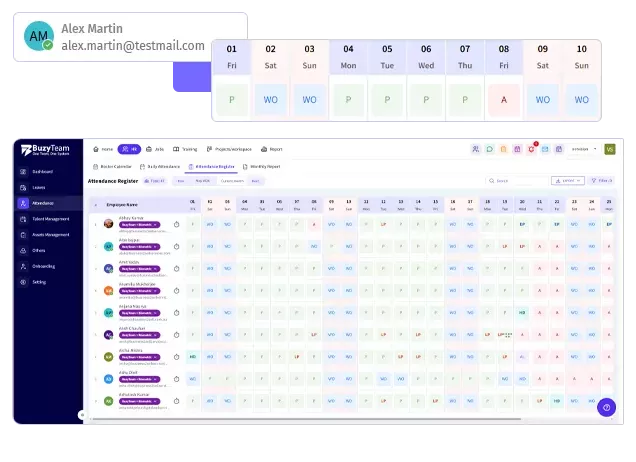
Easy to track work hours, project updates and productivity insights for your Linux based teams.
Start Your Free 14-Day Trial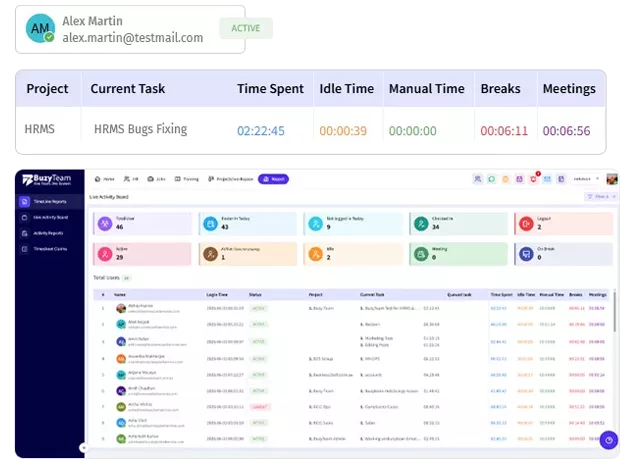
Here are answers to common questions about BuzyTeam for Linux users to clear up any doubts.
BuzyTeam supports commonly used Ubuntu LTS versions. These are often used by engineers and DevOps teams.
Yes, team members can easily select specific projects and tasks for accurate tracking.
Yes, the desktop app tracks working hours, activity levels and browser usage to provide managers with clear insights without any micromanagement.
Yes, all work data is automatically synced to the main dashboard for complete visibility and insights.