

01
Email Management
BrowseSearch all foldersRead StatusSearch by keywords
Find, understand, draft and send emails with simple instructions with your Email Agent within BuzyTeam.
Built into BuzyTeam, the Email Agent helps employees and managers manage their mailboxes with simple, chat-based responses. Find, check, compose and send emails with your approval.
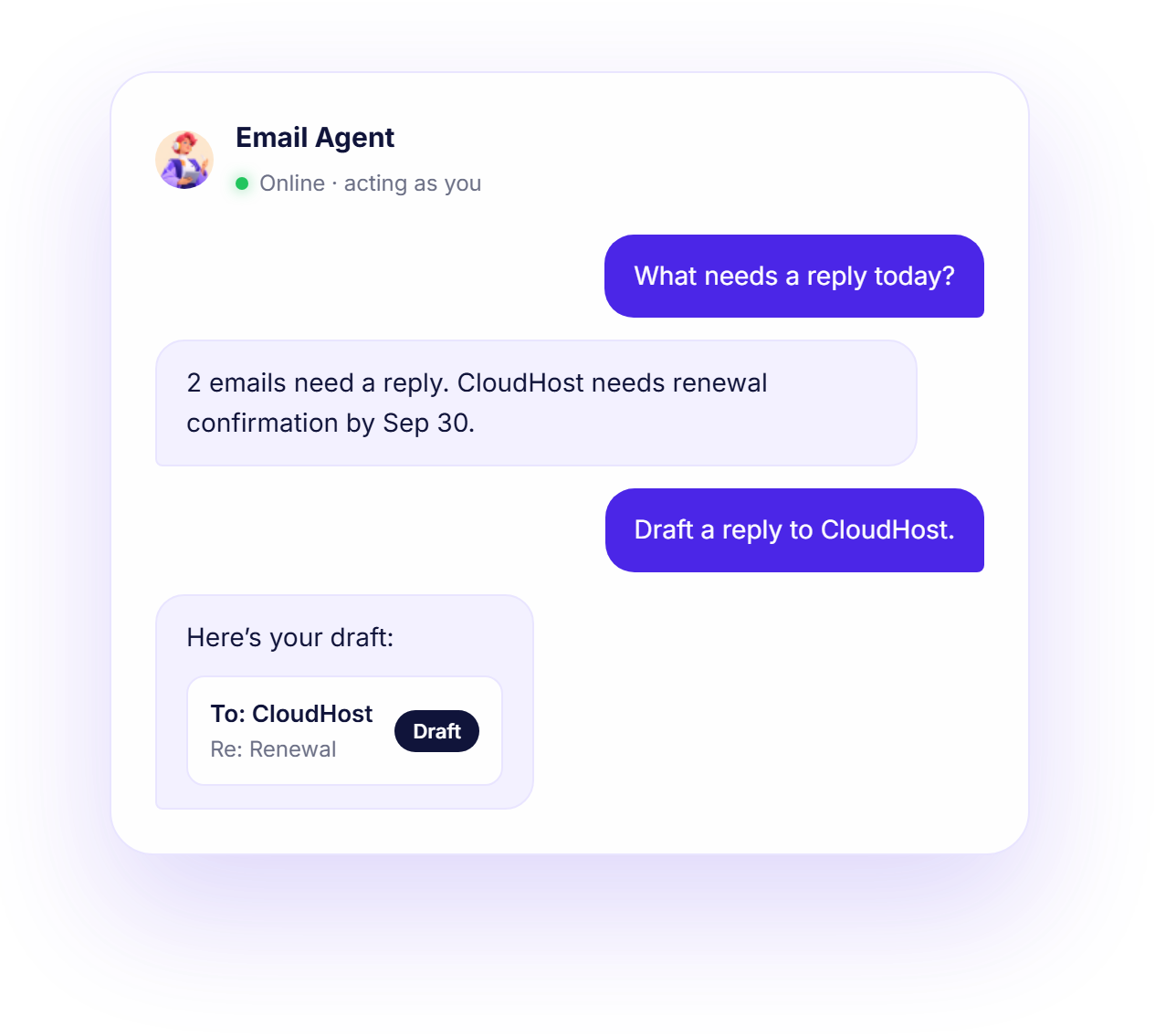
Search and manage emails in your inbox, sent, draft, archive, starred and trash folders.
Email AI Agent helps you get the full details of a specific email, including attachment details in context.
Let the AI buddy quickly draft replies and compose new emails based on your prompts.
Send individual or multiple drafts once approved and save your valuable time.
This is a chat-based email agent that performs real actions within BuzyTeam to manage your mailbox.
AI email assistant handles the busywork, drafts the email and sends it with your approval.
Tell your AI agent what you need to do with your emails.
It interprets your request and uses BuzyTeam’s tools to find details from your mailbox.
Prepare the requested action as per your instructions.
Ask for your approval before any action.

Send all 3 drafts as a batch?
Send this reply to CloudHost?
Read the following FAQs to discover more about BuzyTeam’s Email Agent.
An email agent is a chat-based AI assistant designed to help users manage their emails. It is more than a chatbot that has direct access to email tools to perform specific actions, such as reading, drafting, and sending emails — all under the user’s direction and permission.
Yes, the agent can read the email content. When you ask to get the details of a specific email using its ID, it will retrieve the full subject and body text on the chat. It can also see attachment details, such as filename, size and type.
It uses AI to suggest subjects and the entire body text for replies. It can also compose new emails based on your prompts. Adding AI in email can save you a lot of time and energy.
Never. The agent always proposes the details and waits for your explicit approval before sending or saving an email. It can even send a bunch of drafts at once.
The emails in your own mailbox — your inbox and all folders, email content and attachment details — through the same access you already have.