
Desktop app
BuzyTeam for Mac
A desktop app for macOS that keeps time tracking, chat and daily work one click away.
- Time and activity tracking
- Chat, meetings and tasks
- Desktop notifications
Desktop, mobile or browser — your team signs in once and gets the same BuzyTeam everywhere. Track time, manage people and stay connected from the device that suits the moment.
Pick the apps that fit how your team works. Everything you do on one device is waiting for you on the next.
A desktop app for macOS that keeps time tracking, chat and daily work one click away.
A desktop app for Windows PCs, built for teams who spend their day at a desk.
A desktop app for Linux, so engineering and technical teams can work the way they prefer.
Clock in, apply for leave, approve requests and stay in touch with your team from your iPhone.
Everything your team needs away from the desk, on the Android phones they already carry.
A Chrome extension that brings BuzyTeam into the browser your team works in all day.
Your team uses one BuzyTeam login on every platform. Their work, messages and requests follow them from the office desktop to the phone in their pocket.
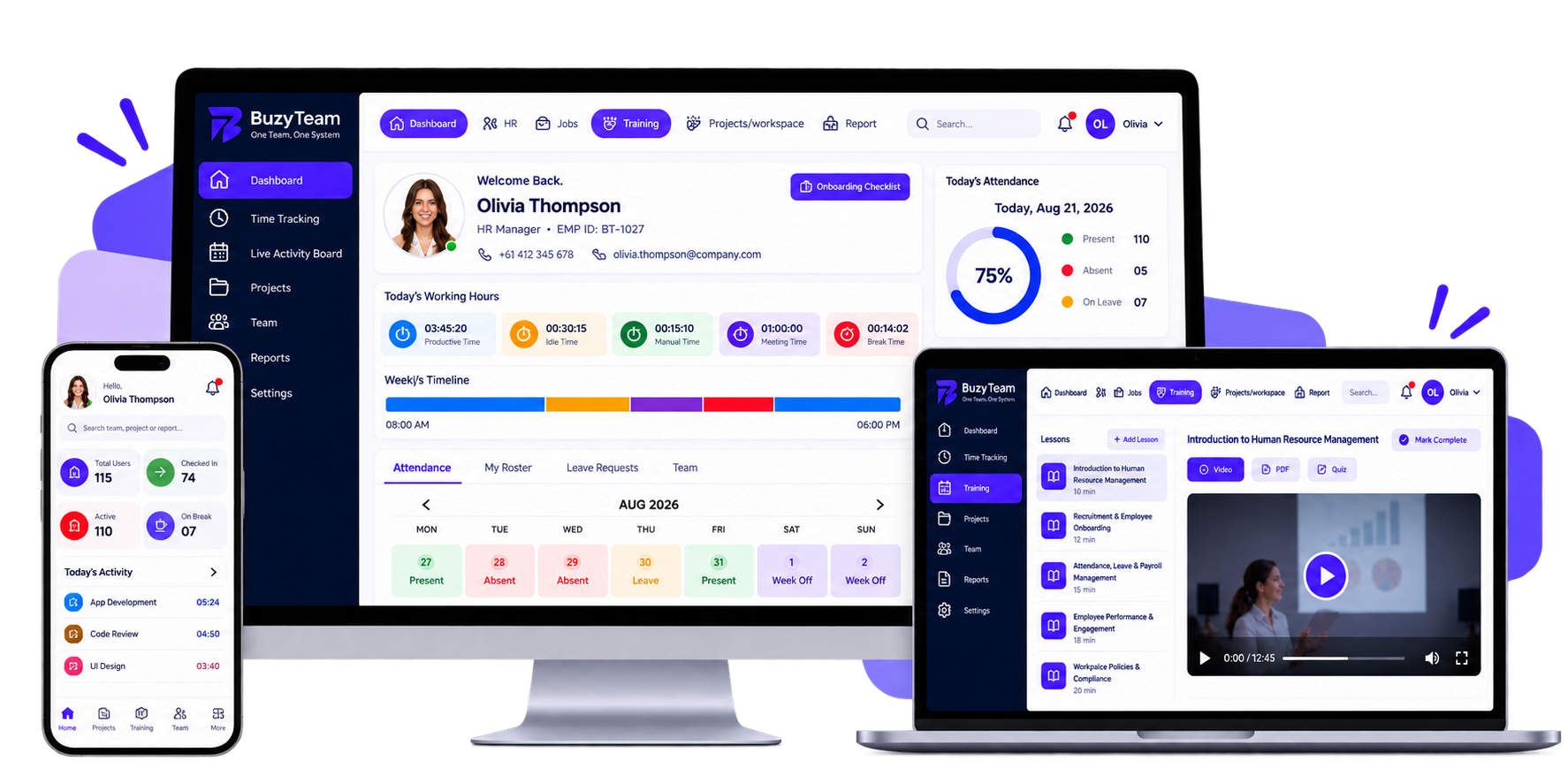
The same account and password on every device.
Updates made on one device show up on the others.
Role-based access follows each person to every app.
Approvals and messages reach people wherever they are.
Give every role the right way in — from office teams to field staff and remote workers.
Mac, Windows and Linux apps for office and remote teams who need tracking, chat and tasks open all day.
iOS and Android apps for field staff and managers who clock in, approve and reply away from a desk.
A Chrome extension for teams who live in the browser and want BuzyTeam without another app.
Everything you need to know about using BuzyTeam across devices.
BuzyTeam is available as desktop apps for Mac, Windows and Linux, mobile apps for iOS and Android, and as a Chrome extension. You can also use BuzyTeam in your web browser.
No. Your team uses one BuzyTeam account on every platform, so they sign in with the same details everywhere.
Yes. Work done on one device shows up on the others, so your team can start on the desktop and pick up on their phone.
Yes. The iOS and Android apps let employees clock in and out on the go, apply for leave and respond to requests away from a desk.
Yes. Role-based access applies across every app, so each person only sees and does what their role allows.