
01
Automate Onboarding
Onboarding StatusInvite New EmployeesSend Offer LettersVerify DocumentsApprove Onboarding
Artificial intelligence in human resource management helps HR teams find information, understand employee context and automate everyday HR workflows.
HR Agent works with your BuzyTeam HR data to answer queries, prepare HR actions and automate routine people management with your approval.
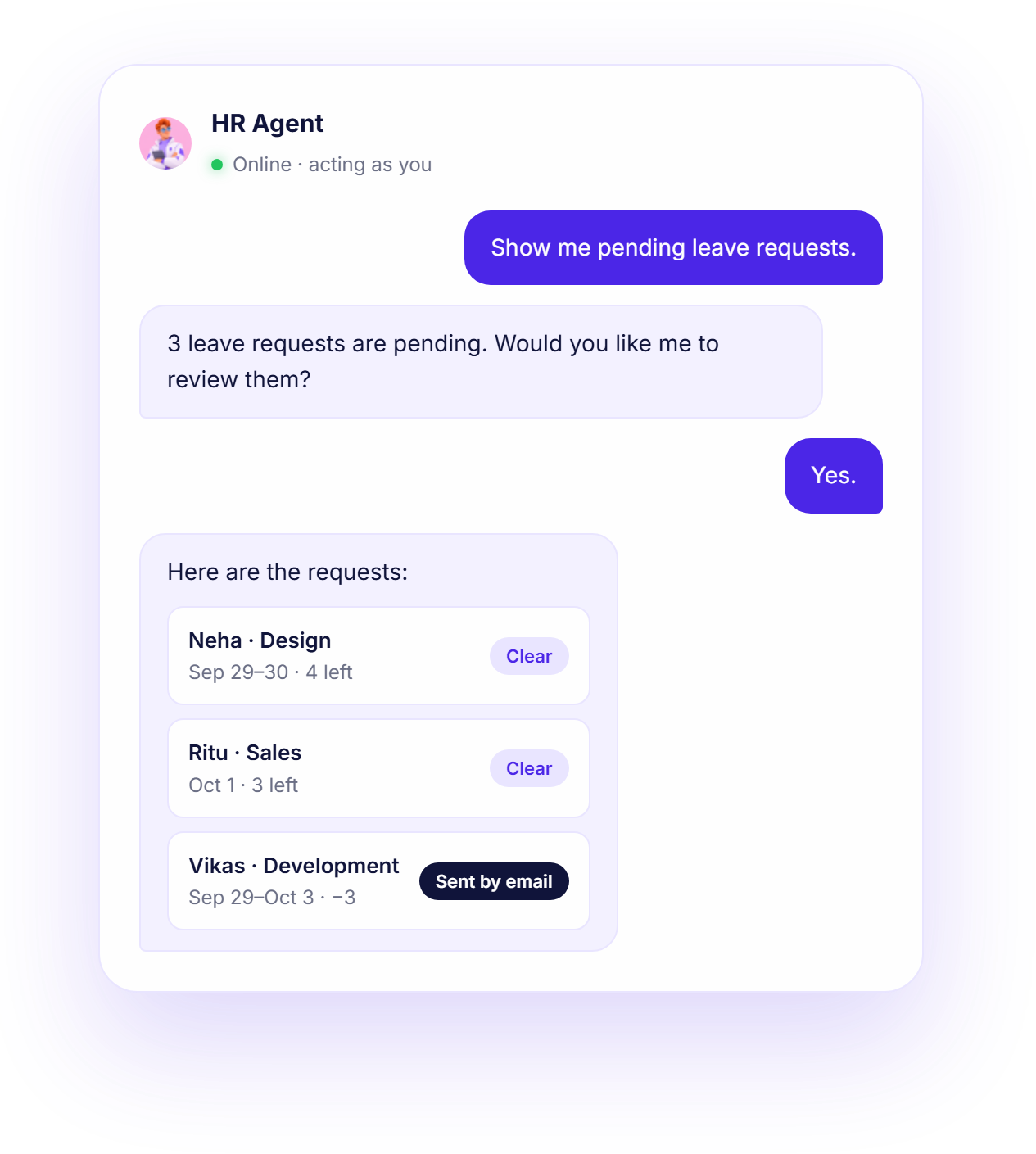
Access employee attendance, leave requests and balance, on-duty and regularisation requests.
Let your HR Agent view onboarding details, documents, probation, confirmations and extensions instantly.
Reduce HR workload by listing, creating, and updating HR cases, team connect entries, and adding notes to a team.
Monitors, validates, approves, and processes payroll runs, with your confirmation at every step.
AI in HR can help automate routine tasks across the full employee lifecycle to decide smarter, act faster.
Let HR professionals focus on making the right decisions faster, while HR Agent handles day-to-day tasks when asked.
HR Agent works within your existing permissions. Review and confirm actions before they are completed.
HR Agent understands your request/query and identifies what you need.
Finds the relevant HR information within BuzyTeam and gathers it together.
Process and prepare the answer or suggested actions.
Wait for your approval before acting or making changes.

Confirmation letter for Sneha (QA) is ready. Save the draft?
Draft a reply to Vikas with a paid + unpaid option?
Get a clear picture of BuzyTeam’s HR Agent through this FAQ section:
The HR Agent is an AI-powered human resources assistant that operates within the BuzyTeam platform to manage everyday HR tasks. It is designed to help HR teams and managers with day-to-day employee lifecycle and workforce management tasks.
It is a chat-based assistant that keeps the HR workflow moving by answering your queries and taking action within BuzyTeam with your approval. It can manage attendance and leave, employee documents, onboarding/exit, resignations, exit clearance, HR cases, Team Connect, F&F settlements, payroll status, HR reports and employee risk signals.
The HR Agent can access the HR information available to your role in BuzyTeam, including attendance and leave, employment lifecycle, payroll management, HR cases, and HR reports.
Yes. The HR Agent can apply leave, mark attendance, send offers, manage probation, request documents, process exits, draft HR documents, and more. Every action is shown to you first and executed only after your confirmation.
No. It acts as the logged-in user, through the same permissions you already have, so it can never see or do more than you could by hand.